
What Is Adobe Firefly?
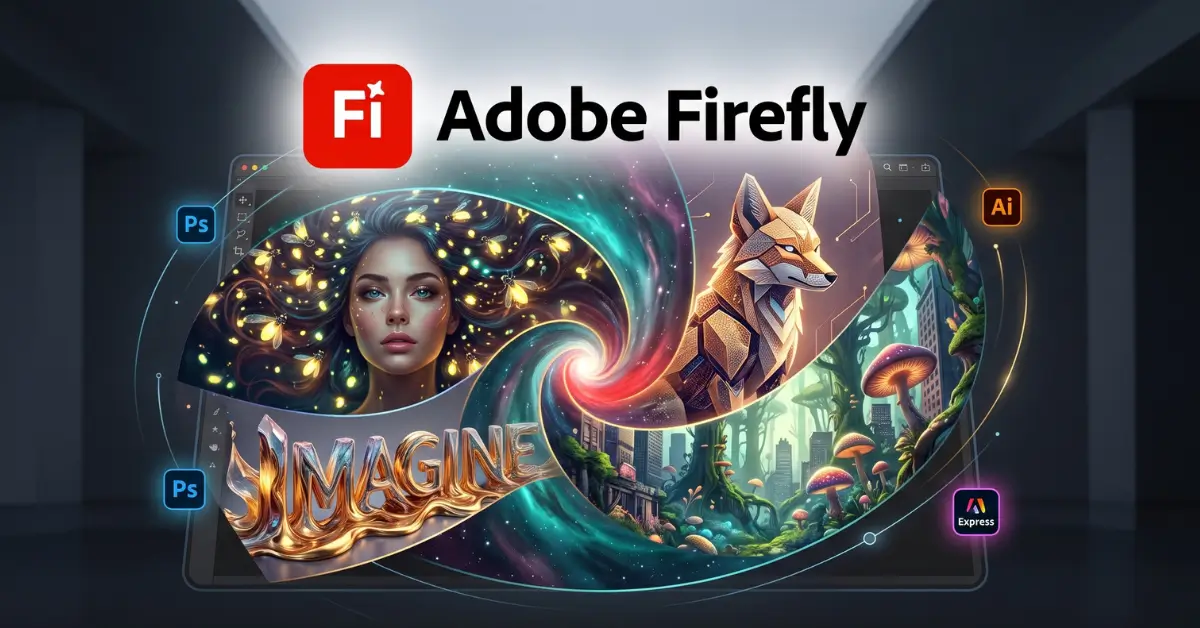
Adobe Firefly is a generative AI creative tool designed to help users create and edit visual content with simple text prompts. It is useful for designers, marketers, content creators, and anyone who wants to produce images faster.
How Adobe Firefly Works?
Users can describe the image they want using a text prompt. Firefly processes the request and generates visual results that can then be adjusted or refined. Adobe also provides Firefly as an all-in-one creative studio with image, video, audio, and other AI capabilities.
Common Uses of Adobe Firefly
Firefly can be used to create social media graphics, marketing visuals, product concepts, illustrations, backgrounds, and other creative assets. It can also help users edit or transform existing visual content.
Benefits of Adobe Firefly
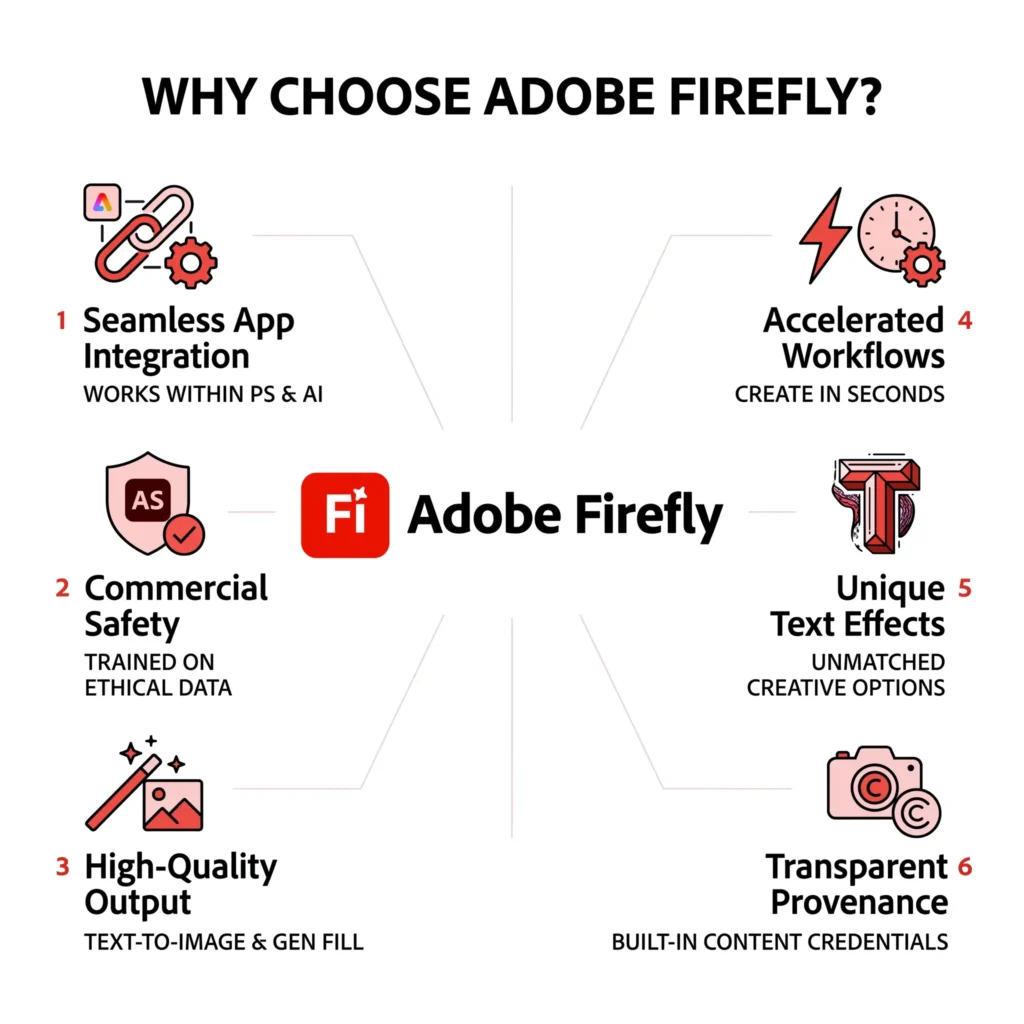
The main advantage of Firefly is that it can speed up creative work. Users can quickly explore multiple ideas without creating every visual manually. Its integration with Adobe’s creative ecosystem can also make it useful for professional design workflows.
Limitations and Responsible Use
AI-generated images still require human review. Results may not always match the prompt perfectly, and users should check details before publishing. Copyright, branding, and commercial-use requirements should also be considered for each project.
Why Choose Adobe Firefly?
Adobe Firefly is a strong option for users who want an easy way to generate and edit visual content while working within a broader creative ecosystem. It is especially useful for people who already use Adobe products.
Pros and Cons of Adobe Firefly
Pros
Cons
Frequently Asked Questions (FAQs)
Conclusion
Adobe Firefly can be a useful AI solution for its specific purpose. It can save time and help users create or complete tasks more efficiently. However, the best results come from combining AI assistance with human review, creativity, and good judgment.