

What Is GitHub Copilot?
GitHub Copilot is an AI-powered coding assistant from GitHub. It can suggest code as developers type and provide conversational help with programming problems, making it useful for both learning and professional development.

How GitHub Copilot Works?
Developers can use Copilot inside supported development environments or through GitHub tools. They can describe what they want in natural language, ask questions about code, or accept suggestions while writing programs.
Common Uses of GitHub Copilot
Copilot can help write functions, explain unfamiliar code, identify bugs, generate tests, improve existing code, and answer programming questions. It can also assist with command-line tasks and parts of software-development workflows.
Benefits of GitHub Copilot
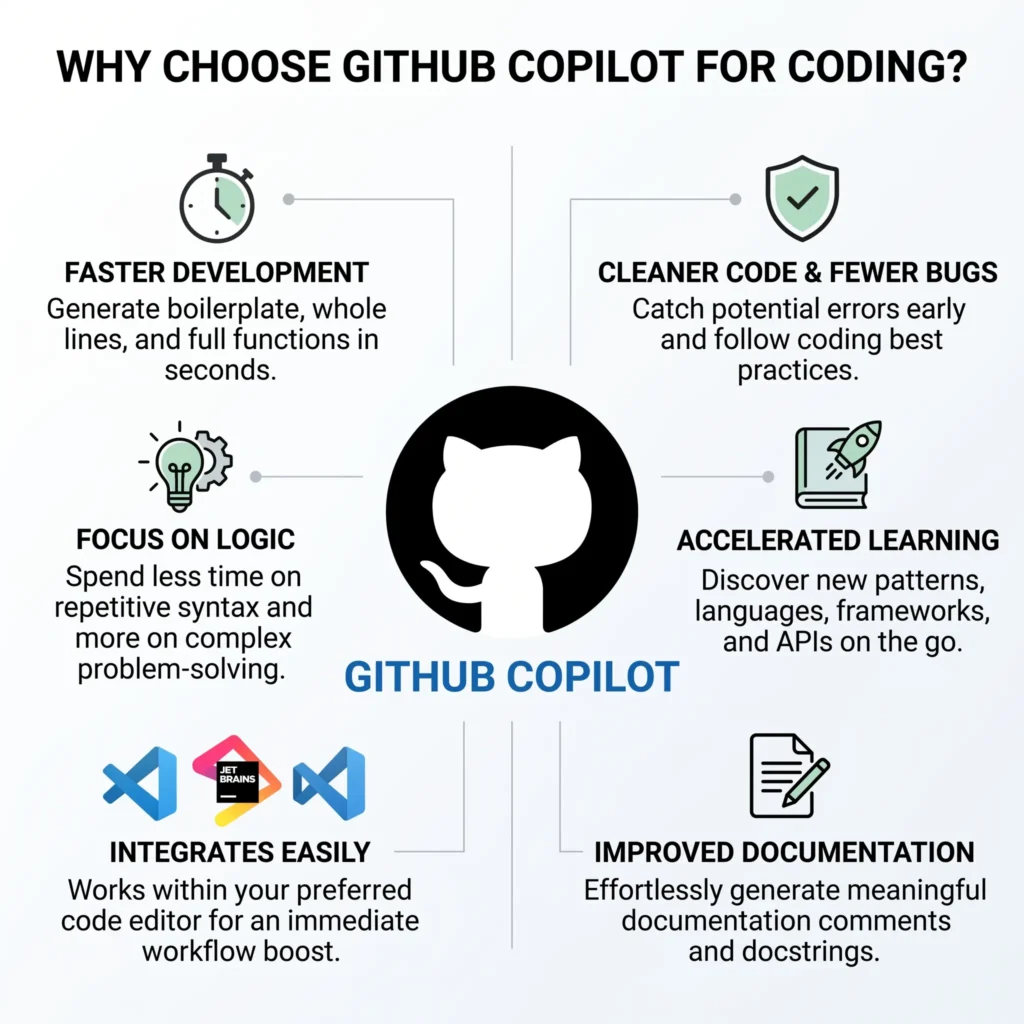
Copilot can reduce repetitive coding work and help developers move from an idea to working code more quickly. It can also be useful for learning by explaining programming concepts and showing possible solutions.
Limitations and Responsible Use
AI-generated code should always be reviewed and tested. Copilot can produce incorrect, insecure, or unsuitable code, so developers remain responsible for checking the final implementation, dependencies, and security of their projects.
Why Choose GitHub Copilot?
GitHub Copilot is a strong choice for developers who want AI assistance directly inside their coding workflow. It is particularly useful for code suggestions, debugging help, explanations, and speeding up repetitive development tasks.
Pros and Cons of GitHub Copilot
Pros
Cons
Frequently Asked Questions (FAQs)
Conclusion
GitHub Copilot can be a useful AI solution for its specific purpose. It can save time and help users create or complete tasks more efficiently. However, the best results come from combining AI assistance with human review, creativity, and good judgment.